

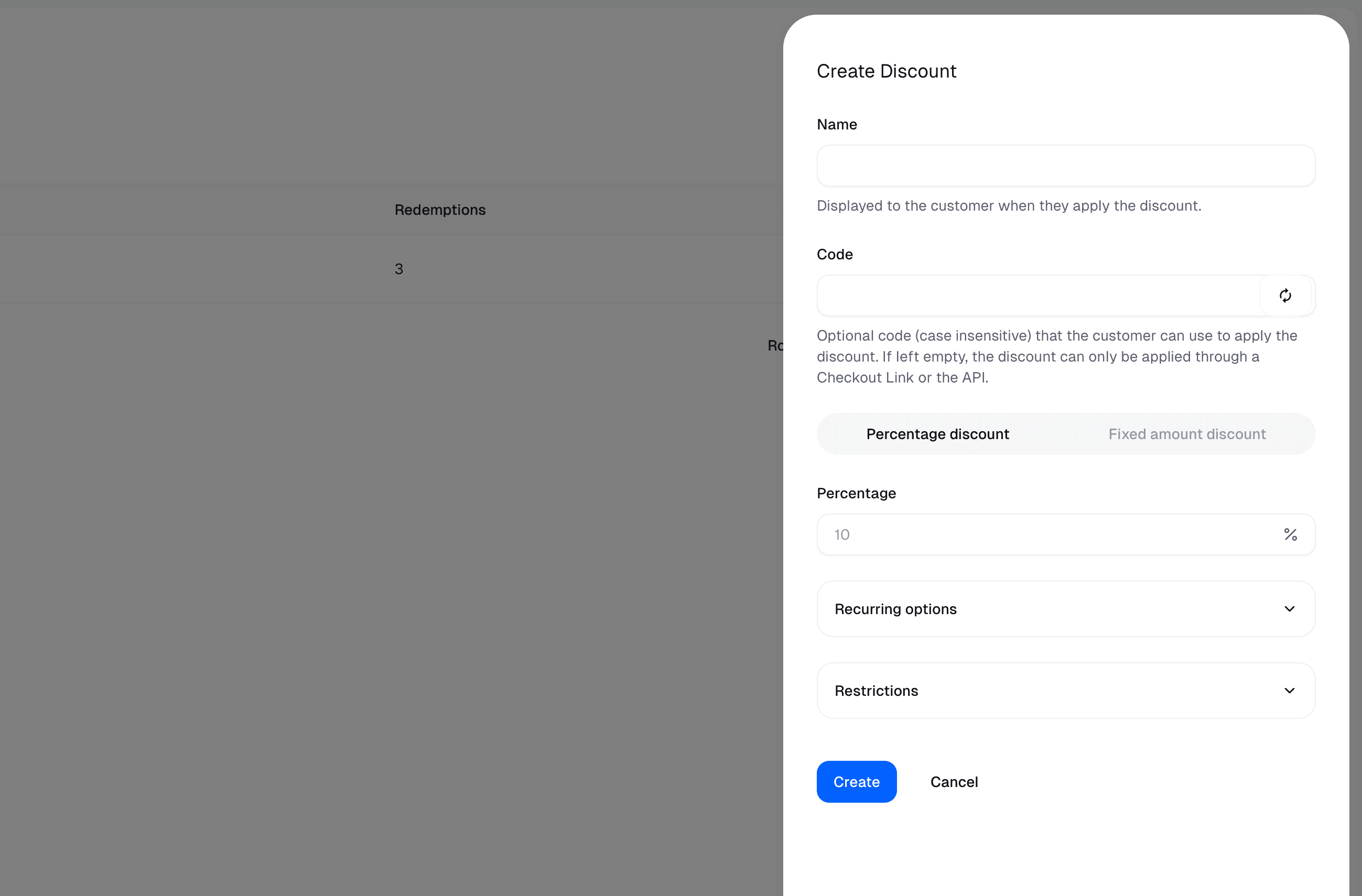
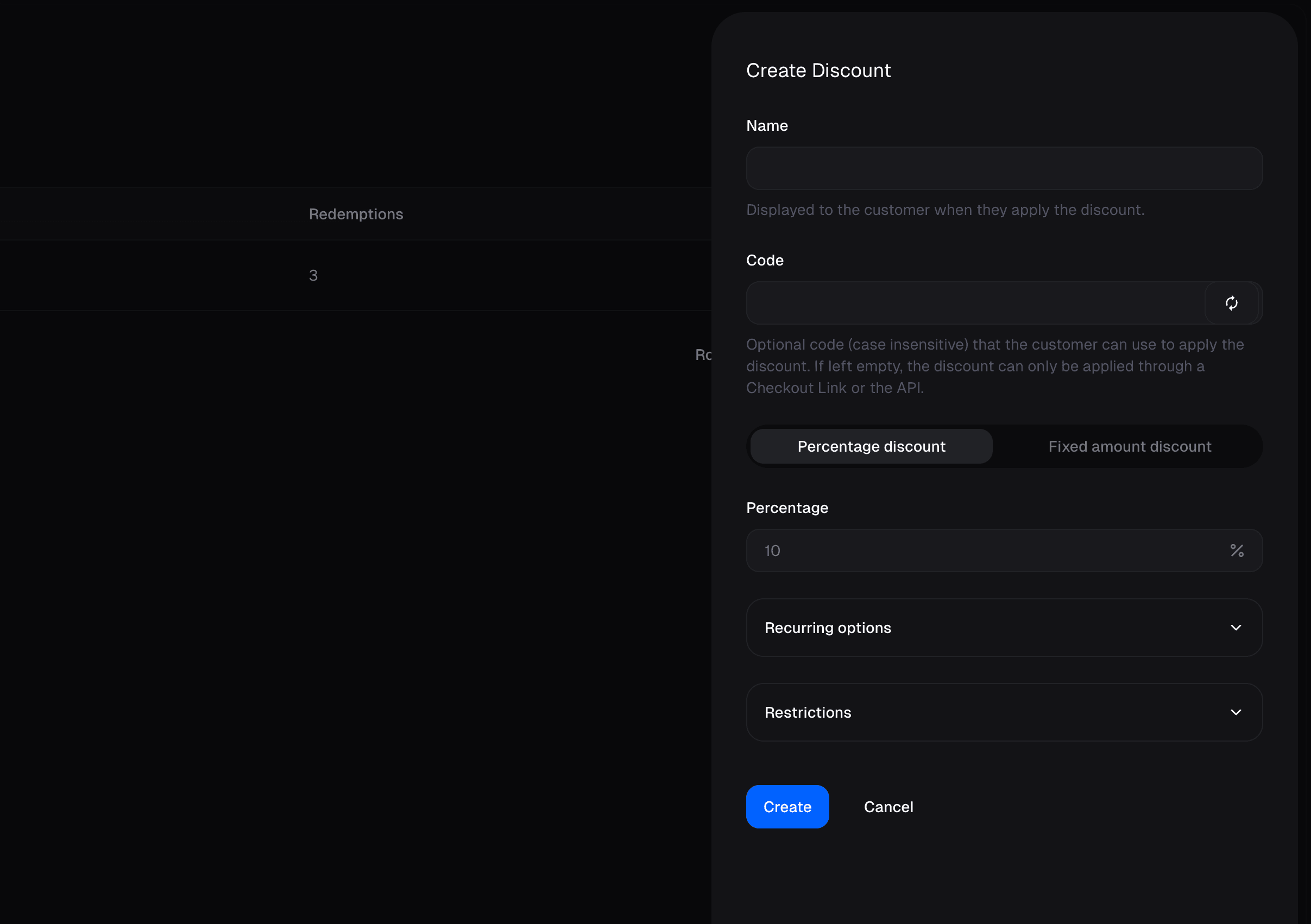
Create a discount
Go to the Products page and click on the Discounts tab.Name
Displayed to the customer when they apply the discount.Code
Optional code (case insensitive) that the customer can use to apply the discount. If left empty, the discount can only be applied through a Checkout Link or the API.Percentage Discount
The percentage discount to apply to the product or subscription.Fixed Amount Discount
The discount deducts a fixed amount from the price of the product or subscription.Recurring Discount
The percentage discount to apply to the product or subscription.- Once The discount is applied once.
- Several Months The discount is applied for a fixed number of months.
- Forever The discount is applied indefinitely.
Restrictions
- Products The discount can only be applied to specific products. By default the discount can be applied to all products, also ones created after the discount was created.
- Starts at The discount can only be applied after this date
- Ends at The discount can only be applied before this date
- Maximum redemptions The maximum number of times the discount can be applied.
Apply a discount
Auto-apply via Checkout Link
When creating a Checkout Link, you can preset a discount that will be automatically applied when customers land on the checkout page. This is useful for promotional campaigns or special offers where you want to guarantee the discount is applied without requiring customers to enter a code.Discounts without a code can only be auto-applied through Checkout Links or the API.
Prefill via query parameter
You can pass adiscount_code query parameter to any Checkout Link URL to prefill a discount code in the checkout form. Note that this only prefills the field—customers will still see the code and it will be visible in the form.